sik2 Viewer

A free, ad-free Windows viewer for photos, PDFs, comic book archives (CBZ, ZIP), and EPUB and TXT e-books, all in one program.

Download Open-source component sources

The installer has no code signature, so Windows may show a blue warning the first time you run it, and PCs with Smart App Control turned on may block it.

If you see a warning when installing

If a blue window appears

Windows shows this window for new programs with little signature or reputation information. It does not mean a virus was found. If you downloaded the file from sik2.net, click [More info] → [Run anyway].

On PCs with Smart App Control turned on, it may be blocked without this button.

To check that the file is genuine

sik2_viewer_Setup_1.0.12.exe SHA-256 2412C1A2499EC4F13AB66A479B6B40EA6B04F2CDC132DD7E499E65B1CEF6F17C

If you saved it to your Downloads folder, type this in PowerShell.

Get-FileHash "$env:USERPROFILE\Downloads\sik2_viewer_Setup_1.0.12.exe"

If the value matches the one above, it is the same file.

If your antivirus blocks it

It may be a false positive rather than a problem with the program. Please report it here.

Program info

Supported OS
Windows 10/11 64-bit
Languages
Korean, English
Price
Free
Ads
None
Admin rights
Not needed
Version
1.0.12
Updated
2026.11.22
File size
33.2 MB
Made by
sik2
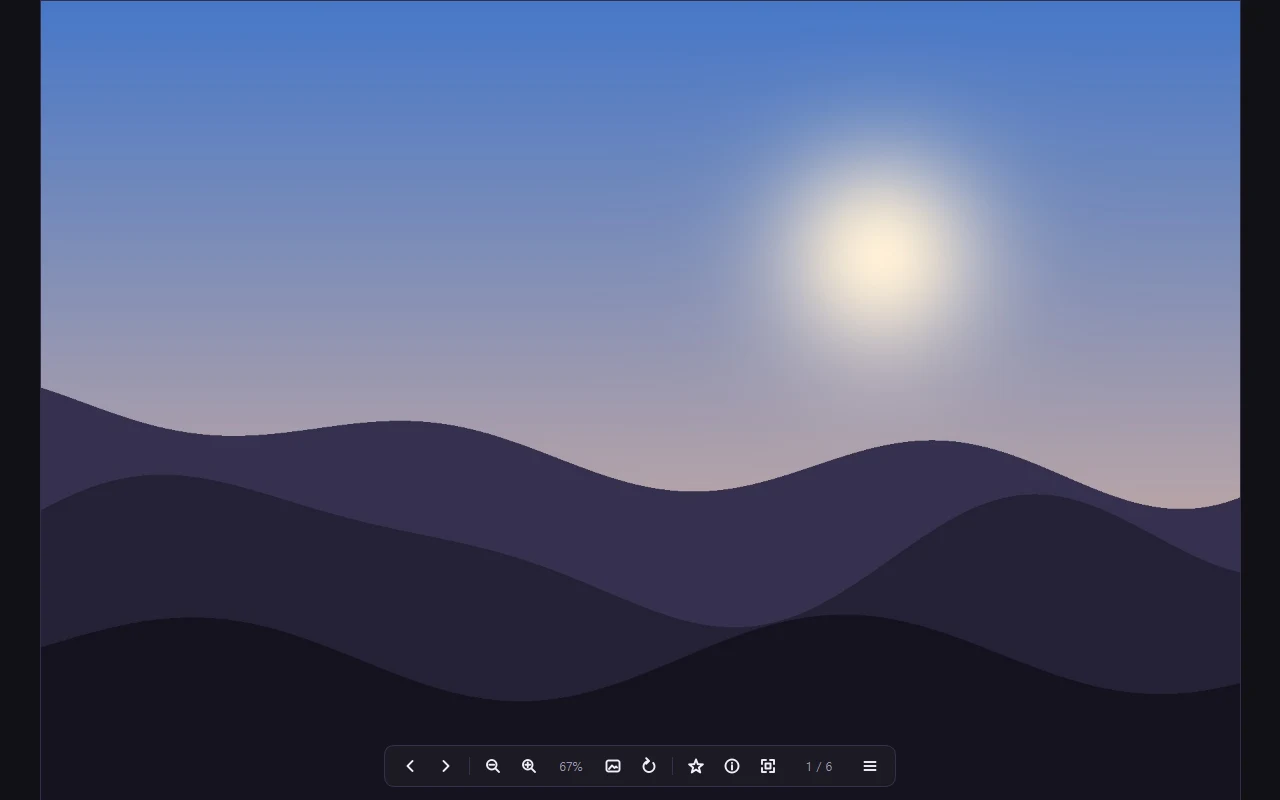
Flip through the photos in a folder and use the bottom bar to change pages and zoom in or out.

sik2 Viewer is a free image viewer for Windows that combines a photo viewer, a PDF viewer, and a comic book viewer in one program. When you open a photo, you can go straight to the other photos in the same folder. PDFs, archives, and EPUB e-books open in the same window with the same controls. It also opens iPhone HEIC photos and camera RAW files.

Main features

Opening files

Drag a file in or click [Open file]. You can also reopen recently viewed files right away.

Photos

Opens JPG, PNG, GIF, WEBP, BMP, TIFF, HEIC, and camera RAW files. Flip through the photos in a folder, and use zoom, rotate, full screen, and slideshow.

PDFs

Turn pages or scroll through continuously, and use two-page view, find, and contents. Password-protected PDFs open after you enter the password.

Photos in archives

See the photos inside ZIP, 7Z, and RAR files, and in the CBZ and CBR files often used for comics, without extracting them.

Text files

Reads TXT, MD, and EPUB files.
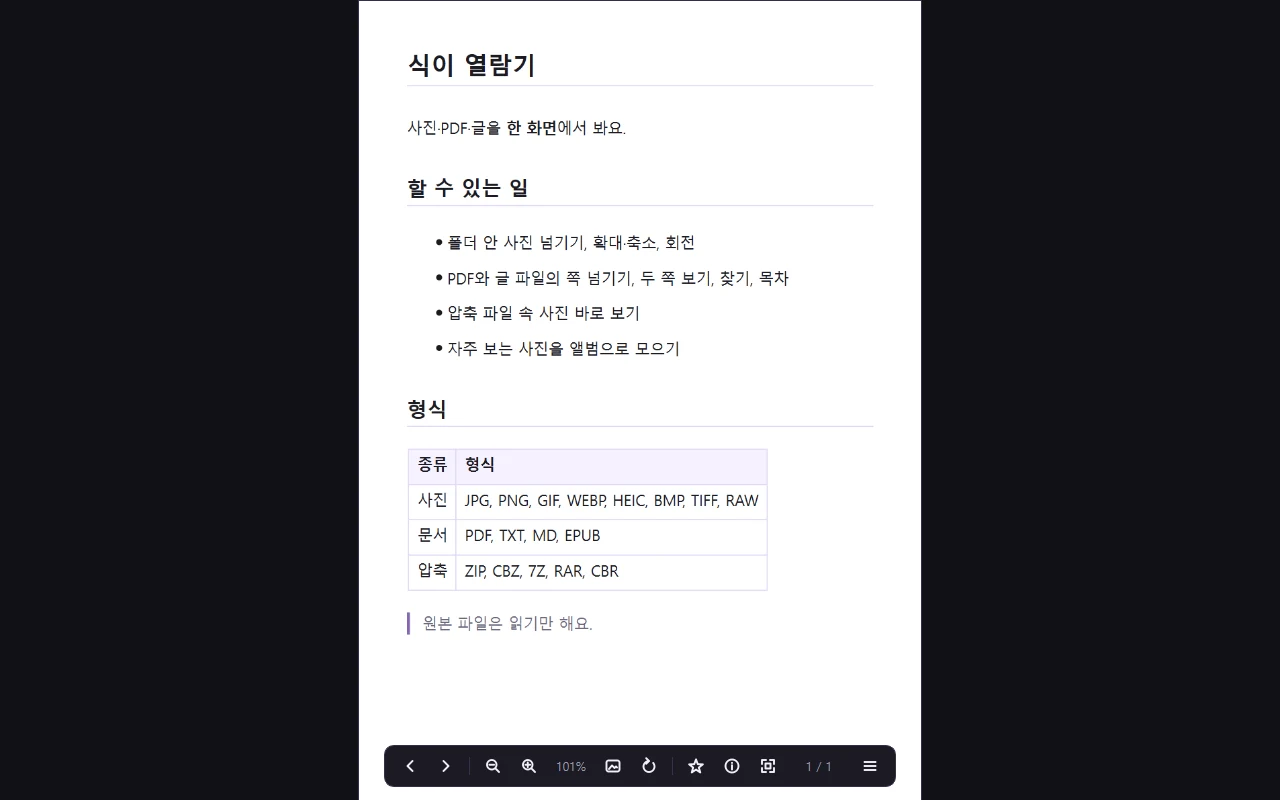
Headings, lists, and tables in MD files are shown in an easy-to-read layout.

Albums

Collect the photos you look at often into albums.

Thumbnail strip and info panel

Jump to any page using small thumbnails, and see details like the photo size and the date it was taken.
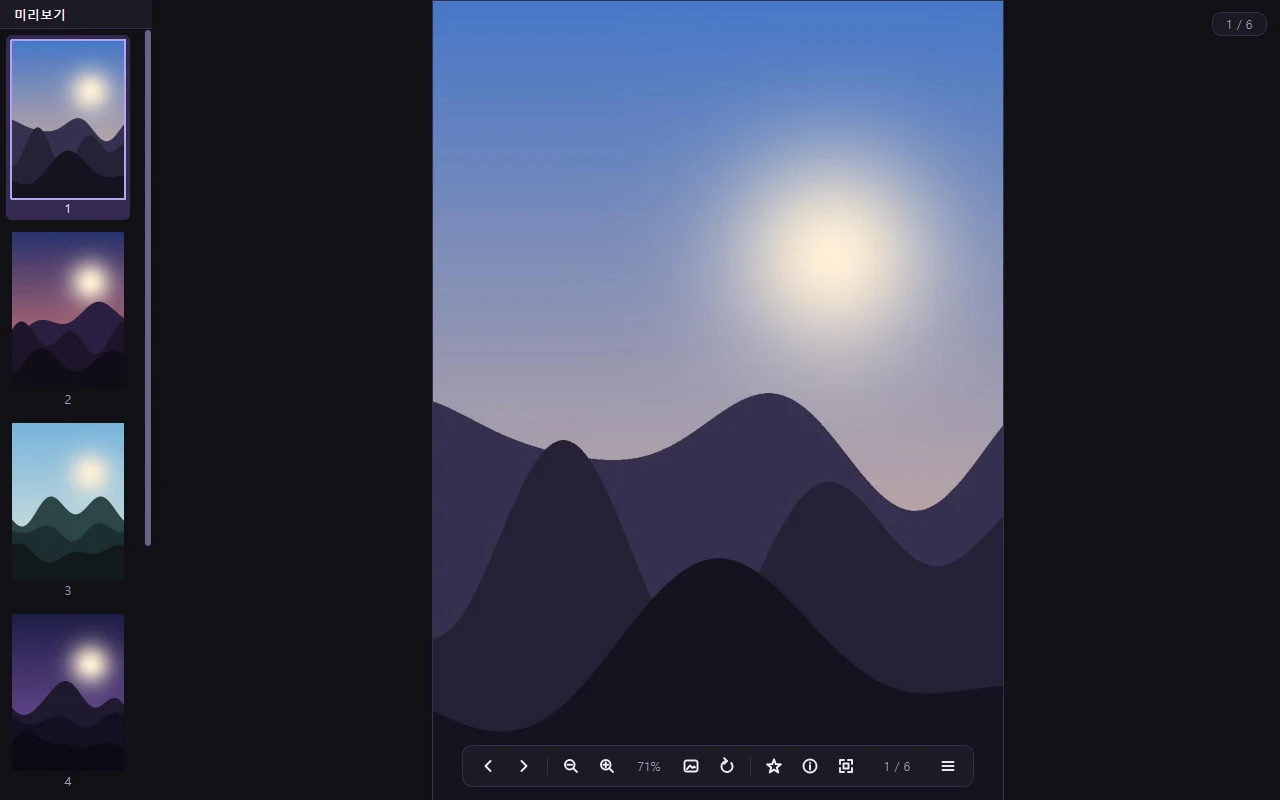
See the pages of a PDF as thumbnails and jump to the one you want.

Updates

When a new version comes out, the app tells you, then downloads it, installs it, and restarts.

Settings

Change the language, photo sorting, page turning, slideshow, and other settings in one place.

Who it's for

  • People who want one program instead of separate photo and PDF viewers
  • People who want to flip quickly through photos saved in a folder
  • People who want to read comic book archives in two-page view without extracting them
  • People who want to open iPhone HEIC photos or camera RAW files on Windows
  • People who want to read EPUB e-books or TXT novels on a PC
  • People who want an app without ads

Installation and requirements

  • Supported Windows: Tested on Windows 11 64-bit. Windows 10 version 1809 or later (64-bit) also meets the requirements, but it hasn't been tested directly.
  • Price: Free for both personal and business use
  • HEIC photos: These open when the Windows extensions are installed. You need HEIF Image Extensions (free) and HEVC Video Extensions (paid) from the Microsoft Store. If they're missing, the app tells you and shows an [Open Microsoft Store] button. Transparent HEIC images are shown as opaque.

Related posts

What's new

1.0.12 2026.11.22
  • If you're using another program when a new version finishes downloading, the app no longer pops up a confirmation window. Its taskbar button flashes once, and it asks when you come back to the viewer. The banner keeps showing "A new version is ready".
1.0.11 2026.11.22
  • Photos with a color profile, like iPhone photos (HEIC), looked duller than they really are. This is fixed, and they now show the colors as they were taken.
  • PDFs now show their first page as a thumbnail in File Explorer, even on administrator accounts with User Account Control (UAC) turned off.
  • Menu items you can't use right now show the reason next to them (for example, "Open a file first"). There's also a little more space between the scrollbar and the content.
1.0.10 2026.11.21
1.0.9 2026.11.21
1.0.8 2026.11.20
1.0.7 2026.11.14
1.0.6 2026.11.09
1.0.5 2026.11.08
1.0.4 2026.11.07
1.0.2 2026.11.02
1.0.1 2026.11.01
1.0.0 2026.11.01
Need an older version?

Use it only if the new version has a problem. It lacks the latest fixes. Windows warns about installing an older version, and the app will offer the new version again.

Download version 1.0.11 2026.11.22 · 33.2 MB

Comments are on the Korean page.

← Tools